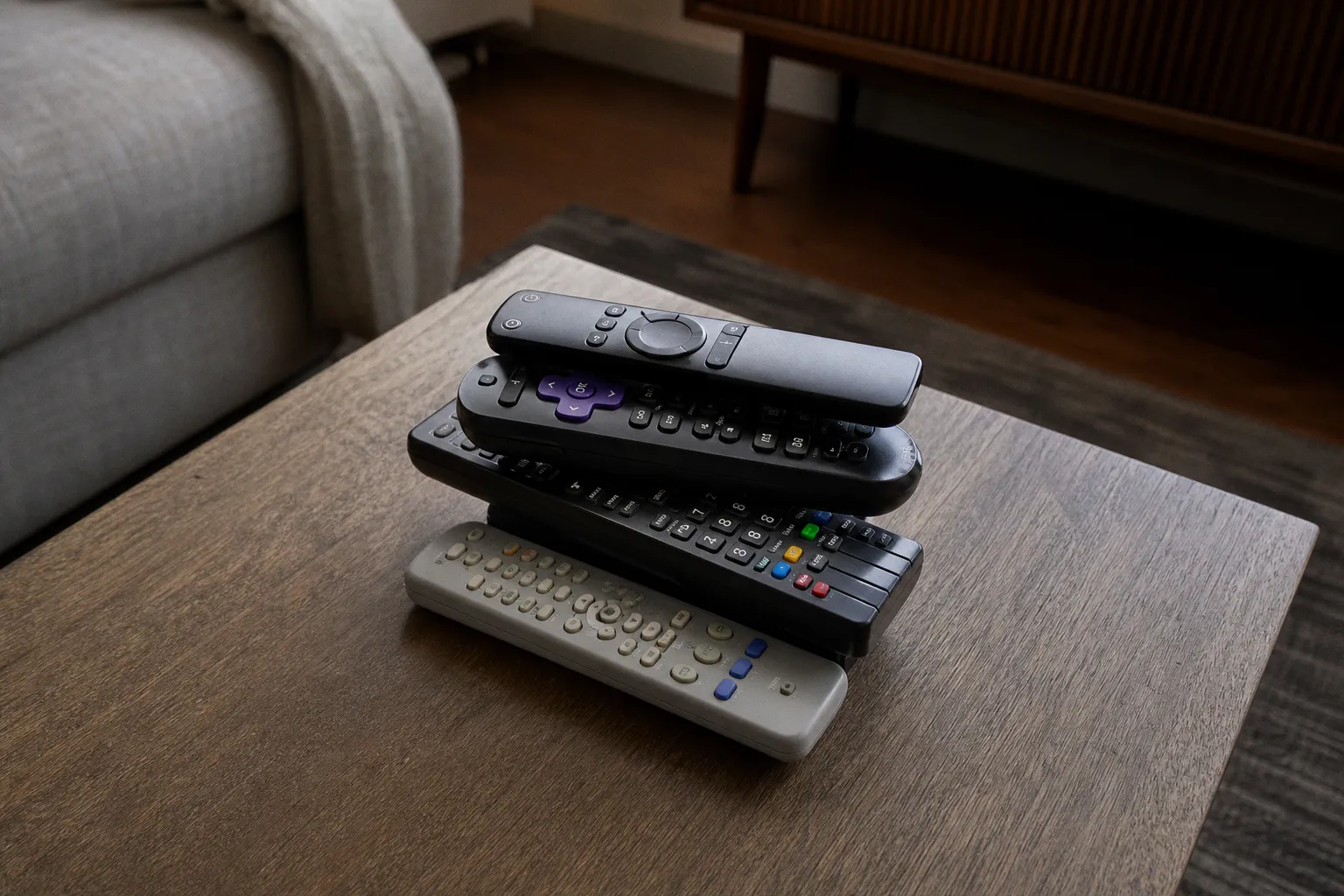
And somehow it has more lines in your bank statement than you expected.
For this streaming service comparison, I tracked the direct monthly prices, feature limits, ad rules, download policies, and household realities behind the major services I would actually consider keeping: Netflix, Disney+, Paramount+, Peacock, Apple TV, plus Disney's bundle with Hulu and HBO Max. The headline is not that one platform wins forever. That is not how streaming works anymore. Catalogs rotate, franchises pause, and the show you signed up for can be over in eight episodes.
The real question is sharper: what are you paying for over six months, and does the plan you picked actually fit how you watch?
A solo viewer who watches prestige dramas on an iPad has a radically different ideal setup from a family trying to run Bluey, NFL highlights, a Marvel rewatch, and a Netflix reality competition in the same house. Streaming subscription value is no longer about finding "the best service." It is about identifying the few friction points that will make you regret a cheap plan by week three.
The six-month bill is where the plot twist lands
Monthly pricing is designed to feel manageable. Multiply it by six, though, and suddenly the gap between "I'll just get the no-ads option" and "I can live with commercials" becomes very real.
Here is the direct-billing math before taxes, promotions, annual discounts, carrier offers, or app-store quirks enter the chat.
| Service and plan | Monthly price | Six-month cost | What that money is really buying |
|---|---|---|---|
| Netflix Standard with ads | $8.99 | $53.94 | Two streams, up to 1080p, ads, and some licensing-based title exclusions |
| Netflix Standard | $19.99 | $119.94 | Two streams, up to 1080p, no ad interruptions |
| Netflix Premium | $26.99 | $161.94 | Four streams, up to 4K UHD and HDR |
| Disney+ with ads | $11.99 | $71.94 | Disney, Pixar, Marvel, Star Wars, National Geographic programming with ads |
| Disney+ Premium | $18.99 | $113.94 | Ad-free on-demand viewing, up to 4K UHD/HDR where available, downloads on up to 10 devices |
| Paramount+ Essential | $8.99 | $53.94 | Ads, three simultaneous streams, 40,000+ episodes and movies |
| Paramount+ Premium | $13.99 | $83.94 | Downloads, live CBS, and select 4K/HDR-capable titles |
| Peacock Premium | $10.99 | $65.94 | Ad-supported access to Peacock's on-demand catalog and live programming |
| Peacock Premium Plus | $16.99 | $101.94 | Reduced ads on eligible on-demand titles and downloads where offered |
| Apple TV | $12.99 | $77.94 | A compact all-original library, no ads, Family Sharing, offline Apple Originals |
The most dramatic number here is Netflix Premium: $161.94 across six months before taxes. That is not a condemnation; it is a reminder to look at the plan rather than the logo. If four people are regularly watching in the same household and 4K is part of the setup, the premium tier has a clear use case. If it is one person mostly watching comedy specials and a new limited series in bed, it can become a very expensive default setting.
Netflix Standard without ads lands at $119.94 over the same stretch. Disney+ Premium is $113.94. The gap between an ad-free Netflix Standard plan and an ad-supported Disney+ plan over six months works out to roughly $48 — smaller than many households expect, but still well below the cost of adding Apple TV as a separate service for the same period.
That is the current streaming economy in miniature: the big library is not automatically the better deal, and the lower sticker price does not tell you what the viewing experience will feel like.
The subscription that costs the least is not always the one that asks the least of your patience.
Apple TV is the fascinating outlier. At $77.94 for six months, it is not a replacement for Netflix's volume or Disney+'s franchise library. I would never pretend otherwise. But Apple's all-original strategy means there is no rummaging through a giant back catalog hoping it contains something you have not already seen. You are subscribing for a tightly managed release slate: the new season, the conversation-starting drama, the sci-fi swing, the comedy that catches fire two weeks after its finale. Smaller library, cleaner proposition.
Ad-supported plans are better than they were — but they are still plans with conditions
The ad-supported versus premium plans debate usually gets reduced to a personality test. Are you too impatient for commercials? Are you smart enough to save money? I think that misses the point.
Ads are not merely a time cost. They change the rhythm of watching. A mid-episode break during a light procedural is one thing. A break arriving inside a carefully paced finale, an anime arc, or the third act of a movie you have waited years to see is another. Streaming trained us to expect control. Ads give some of that control back to the platform.
Netflix Standard with ads is the obvious budget entry point at $8.99 per month, and it gets you two simultaneous streams at up to 1080p. For many homes, that is a perfectly functional arrangement. But Netflix says most movies and series on the tier include commercial breaks, viewers cannot skip or fast-forward them, and a small number of titles are unavailable because of licensing restrictions.
That last bit deserves more attention than it gets. The streaming service comparison is not only Netflix versus Disney Plus versus Max; it is also a comparison between what each platform is legally permitted to show you on the plan you bought. Licensing rights still shape the experience under all the glossy app design. A show appearing in Netflix search does not make every plan equal. The cheapest tier can have gaps.
Peacock's naming is also worth reading closely. Premium Plus reduces ads on eligible on-demand titles, but it does not turn Peacock into a completely ad-free service. Ads remain in channels, live sports and events, and certain shows and films. That is especially relevant if you subscribe for live programming. The "Plus" in the name is a reduction in interruption, not a magic erase button.
Paramount+ Premium similarly comes with a live-TV caveat. It adds downloads and live CBS, but live television brings advertising with it. Disney+ can also include ads within select live and linear programming even on Premium. If your personal definition of "no ads" means zero commercial material under any circumstance, streaming plan labels are about to disappoint you.
I have become less doctrinaire about ads over six months. On a service I use for one weekly show and occasional comfort viewing, the savings can be sensible. On the platform carrying a major franchise release I want to watch immediately, or a movie night pick, I will pay to preserve the flow.
My practical hierarchy looks like this:
1. Use ad-supported tiers for broad, low-pressure browsing. Peacock, Paramount+, or Netflix with ads can work well when the subscription is there for library depth, sports-adjacent viewing, reality TV, sitcom reruns, and the occasional buzzy release.
2. Pay for fewer interruptions on your "event viewing" service. If a new Marvel series, a Netflix global hit, or a major HBO Max season is the reason you are subscribed right now, an ad-free tier can be less about luxury and more about using the service as intended.
3. Do not assume ads are the only downgrade. Netflix's ad tier can have unavailable titles. Downloads can be restricted. Premium video formats can be locked behind a higher plan. The monthly saving is real; so is the trade-off.
4. Remember that live programming plays by different rules. Sports, channels, events, and live network feeds do not behave like a downloaded episode of a drama. "Ad-free" has edges.
And yes, I know the instinct: "I can tolerate a few ads per hour." Maybe you can. But after six months, I think the better question is whether you want to tolerate them on this particular service.
4K, HDR, and simultaneous streams: the specs are household politics
Feature grids look technical until the first Saturday night when two people want different shows and somebody's stream refuses to start. Then the grid becomes family diplomacy.
Netflix's tiers make the division very clear. Standard with ads and Standard both allow two simultaneous streams at up to 1080p. Netflix Premium raises that to four streams and adds up to 4K UHD with HDR. If you have a large 4K television, a good internet connection, and people who actually watch at the same time, the Premium upgrade has a tangible purpose.
But 4K has become one of streaming's slipperiest selling points. A plan may support 4K UHD, HDR, Dolby Vision, or HDR10; that does not mean every title has those formats, every device can display them, or every connection will deliver them consistently. Disney+ lists up to 4K UHD and HDR on both standalone plans, subject to the title, device, and internet connection. Paramount+ Premium offers select titles with 4K UHD, Dolby Vision, or HDR10 support. That word "select" is doing honest work.
For a lot of viewers, the Netflix price jump is not truly about pixels. It is about four streams. The 4K badge is the glamorous part of the pitch; avoiding household arguments is the functional benefit.
Here is how I would read the main plan limits in real life:
| Viewing situation | Plan feature that matters most | Better fit |
|---|---|---|
| One viewer, laptop or standard TV, occasional streaming | Price and ad tolerance | Netflix with ads, Paramount+ Essential, Peacock Premium, or Apple TV |
| Couple watching different shows at once | At least two simultaneous streams | Netflix Standard tiers are built for this baseline |
| Busy household with multiple screens | Four-stream capacity | Netflix Premium earns its cost only if that capacity is used |
| Home theater setup and big franchise releases | 4K/HDR support where available | Disney+ or Netflix Premium, with compatible title and hardware |
| Viewer who moves between Apple devices | Offline access and Family Sharing | Apple TV has a particularly clean ecosystem advantage |
Apple TV takes a different route. It has no ads and supports Family Sharing with up to five other people, which can make its $12.99 monthly price feel unusually straightforward for an Apple household. Its offline downloads are for Apple Originals on Apple devices, so there is still an ecosystem boundary. But the service is not trying to sell you a hundred tiers of access. It is selling a curated original slate with a low-friction technical experience.
That clarity has value. Not every service needs to be an everything app. In fact, the platforms that know what they are tend to be easier to keep — and easier to cancel when the season ends.
Downloads are not a universal promise of offline freedom
Downloads are where streaming platforms reveal how much they still want to control the terms of "on demand."
Netflix's ad-supported plan allows up to 15 total downloads per device per calendar month, across up to two devices. The counter resets on the first day of each month. That could be totally fine for a commuter who downloads a few episodes before a trip. It is less fine for a household about to take a long vacation with kids, spotty Wi-Fi, and a strong emotional dependence on having six backup movies available.
Disney+ Premium lists downloads on up to 10 devices, which is a noticeably more generous proposition for families. Peacock Premium Plus includes downloads, but Peacock notes that not every title is downloadable. Paramount+ Premium adds downloads, while Apple TV supports offline downloads of Apple Originals on Apple devices.
The pattern is clear: downloading is a feature, not a blanket right attached to your subscription.
I learned to stop asking, "Does this service have downloads?" That is too vague to be useful. The questions I actually ask now are:
- Can I download on the plan I am considering, or is it reserved for a higher tier?
- How many devices can use the feature?
- Are the titles I want available offline?
- Is this for one flight, or am I building a practical travel library for several people?
- Will the service still work cleanly when I am switching regions, devices, and hotel Wi-Fi?
That final point is not exotic anymore. Streaming travel problems are ordinary travel problems. A family leaving for a European trip is more likely to think about downloaded episodes than an abstract content strategy — the same way a reader following coverage of PM Modi's France-Slovakia trip might be thinking about the route and the time zones before the diplomacy.
For a weekend away, downloads are a convenience. For a long-haul flight or children's tablet, they can determine whether the subscription earns its renewal.
"Available to stream" and "available when I need it" are not the same promise.
Bundles solve a real problem, but they can also lock in a habit
The most interesting bundle in this comparison is Disney+, Hulu, and HBO Max: $19.99 per month with ads, or $32.99 per month without ads. On paper, it is a formidable three-app package. Disney+ covers the franchise machine. Hulu brings next-day-style TV energy, FX-adjacent tastes, and a different kind of adult library. HBO Max is the prestige-and-pop-culture wild card, from big weekly dramas to Warner catalog depth.
That combination can make sense for a household whose viewing is split across generations and moods. One person wants superhero canon, another wants restaurant chaos, another wants a Sunday-night drama everyone discusses Monday morning. No standalone platform covers that spread by itself.
But there are two catches.
First, the bundle requires separate access through each app. You are not getting a unified super-service with one search engine and one watchlist. You are getting three subscriptions at one price, which is valuable but not magically simpler.
Second, the no-ads bundle includes HBO Max Standard, not the platform's highest-tier plan. This matters for people building their subscription setup around premium playback expectations. The phrase "no ads" can make a bundle sound like the maximum version of everything. It is not always that.
At $32.99 per month, the ad-free bundle reaches $197.94 over six months before taxes. That can still be a smart spending decision if it replaces several standalone subscriptions you would otherwise hold. It becomes a bad deal when the bundle merely joins Netflix Premium, Peacock Plus, Paramount+ Premium, Apple TV, and two services nobody has opened since January.
That is where streaming bundles differ from cable nostalgia. Bundles are not inherently a trap. They are a tool. The trick is to let them replace subscriptions, not accumulate beside them.
My own rule is to judge a bundle by active viewing lanes, not title count. Can I name the people in the house who will use each component? Can I name at least one current or upcoming show on each app? If HBO Max is only there because I vaguely intend to watch something eventually, that is not a bundle strategy. That is a wish list with recurring billing.
My six-month verdict: rotate more, default less
After six months of comparing plans, I do not think the smartest streaming setup is a permanent five-service stack. That model made more sense when platforms were cheaper and catalog walls were lower. Today, it is too easy to pay for convenience you are not using.
For my household, Netflix is the closest thing to a default service — the one that gets opened first when nobody can agree on what to watch. That does not mean it is objectively the "best" platform. It means its catalog intersects with our tastes often enough that the subscription rarely feels wasted. In a different household — one anchored by sports, kids' animation, prestige cable dramas, or Apple-ecosystem originals — the default could easily be something else entirely. The lesson is that "broadest library" is only useful to the degree that the breadth actually overlaps with what you want to watch. A 50,000-title catalog is not broader than a 5,000-title one if the 5,000 are the shows you will actually choose.
The ad-supported tiers have earned their place in my rotation as well. They work for the services I treat as background subscriptions — the ones I keep mostly for a couple of weekly fixtures and the occasional "what is new" browse. Where the friction still feels wrong — a finale interrupted, a title missing because of a licensing carve-out, a download cap met on day three of a trip — I move up a tier and accept the cost.
Apple TV stays because the slate is small enough that I can keep up with it. The Disney/Hulu/HBO Max bundle earns its slot in months when multiple flagship shows across the three services overlap. Paramount+ and Peacock come and go with the sports calendar and the reality-TV appetite of the house.
Streaming subscription value, in practice, is not a verdict. It is a season. The plan that felt like an indulgence in January can feel essential by April, and vice versa. The mistake is treating the subscription list like a piece of furniture. It is more like a wardrobe. Rotate it, repair it, and let the pieces you are not actually wearing go.